How to Redeem Moto Empire Codes
Exact Shop → Codes → REDEEM steps, case-sensitivity rules, and fixes when a promo string fails.
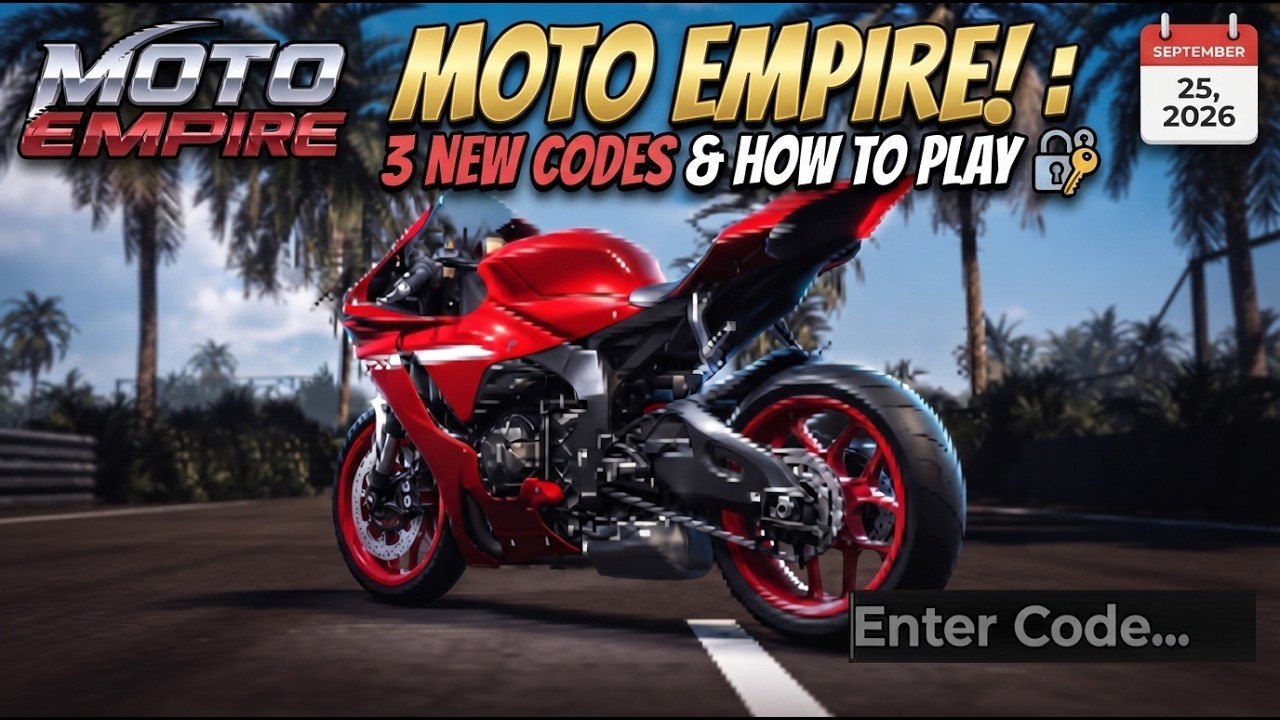
Redeeming promo codes in Moto Empire takes under a minute once you know where Codevo Games hid the Codes tab. This walkthrough covers the full path from joining the experience to confirming cash or a 2x Money boost landed, plus the troubleshooting steps that fix almost every “invalid” or “already redeemed” message. Keep the live list open on the Codes Hub while you work so you only paste strings that still work as of November 18, 2026.
Moto Empire is a free Roblox open-world motorcycle simulator (place: roblox.com/games/81225487834060/Moto-Empire), released September 6, 2026 and still in active development. Codes are one of several income rails alongside daily login, playtime tiers, daily quests, races, wheelies, the dealership, and the auction house. Redeem correctly, then spend with a plan from money fast, the dealership guide, and the auction guide.
Before you redeem
- Update Roblox and restart the client if you have not opened Moto Empire in a while. Stale UI can hide the Shop button.
- Join on a stable connection. Wi-Fi drops mid-redeem cause confusing double-submit behavior.
- Copy codes from the working table on the Codes Hub— not from random screenshots that may already be expired.
- Know what you are claiming. Flat cash (
BigFixes,REVAMP,INSANEDYNO) hits your balance immediately. Timed 2x Money boosts (STICKERS,GIGAUPDATE1,AuctionTime,NewBikes7) start a multiplier clock— plan races, a drive session, or an auction block before you press REDEEM. - Trust in-game results for disputed codes. Some third-party trackers mark
REVAMPexpired even though Rock Paper Shotgun still lists it as of November 18, 2026. If Shop rejects it on your account, move on. - Optional: open the community Discord (invite/J8bEfqk6C5) in another tab so you can verify a brand-new drop if this wiki has not refreshed yet.
Step-by-step redeem path
1. Load into the open world
Launch Moto Empire from Roblox and wait until your rider spawns in the open world with the normal HUD visible. If you are stuck on a loading or tutorial overlay, finish or dismiss it first— the Shop control may not respond until the session is fully ready.
2. Open Shop from the left side
Look at the left side of the screen for the Shop button. Tap or click it once. Do not confuse Shop with inventory, tune, or race menus. On smaller mobile screens you may need to collapse another panel before Shop is tappable.
3. Switch to the Codes tab
Inside Shop, select the Codes tab. You should see a text field for pasting promo strings and a REDEEM action. If you only see bikes, mufflers, stickers, or gamepass offers, you are still on a purchase tab— swipe or click until Codes is active.
4. Paste the code exactly
Paste one working code into the field. Rules that matter:
- Case-sensitive.
revampis notREVAMP. - No spaces before, after, or inside the string unless the official code includes them (current working codes do not).
- Watch digits vs letters:
GIGAUPDATE1ends with the number 1. - Redeem one code at a time. Clear the field between attempts so leftovers do not merge into a nonsense string.
Working targets as of November 18, 2026: STICKERS (NEW — $100k + 2x Money boost 30 min), INSANEDYNO, GIGAUPDATE1, AuctionTime, NewBikes7, BigFixes, REVAMP. Full rewards sit on the Codes Hub.
5. Press REDEEM and confirm
Hit REDEEM. Wait for a success toast or balance change. Check:
- Cash total for flat rewards ($30k–$200k depending on the code).
- Any 2x Money boost timer or buff indicator for multiplier codes.
- That you did not accidentally open a different menu that looks similar.
If nothing changes after a few seconds, do not spam REDEEM ten times. Relog once, recheck balance, then decide whether to retry.
6. Spend or race while buffs are live
After a successful redeem:
- Route flat cash into engine, exhaust, brakes, and weight upgrades before cosmetics.
- Start races, a long drive for daily quest kilometers, or wheelie farming while 2x Money boost is active.
- Use
AuctionTime(20 minutes) for a focused auction session instead of AFK. - Finish daily quests (15 km drive, $25k earned, 3 races) toward the $150k bonus.
- Keep an eye on playtime tiers climbing toward the Honra CBR250RR around one hour.
- When you are ready to buy, follow the dealership guide so code cash upgrades your grind bike instead of impulse cosmetics.
Deep economy routing continues on money fast. Patch cadence and economy tweaks appear on latest updates.
Platform notes (PC, mobile, console)
PC: Keyboard paste (Ctrl+V / Cmd+V) is safest. Avoid retyping long camel-case strings.
Mobile: Long-press paste. Disable autocorrect for the paste field if your keyboard rewrites INSANEDYNO or lowercases REVAMP. Rotate to landscape if the Codes tab is cramped.
Console / gamepad: If text entry uses an on-screen keyboard, verify every character before confirming. Case toggles are a common failure point on controllers.
The Shop → Codes → REDEEM sequence itself is the same across platforms; only text entry differs.
Troubleshooting failed codes
”Invalid” or no response
- Compare character-by-character with the Codes Hub working table.
- Remove invisible spaces by deleting the field and pasting again.
- Confirm you are not using an expired string (
HALLOWEEN2026,BigImprovement,800Likes,RaceTrack,100Likes,SmallFixes,ReRelease). - For
REVAMP, remember some trackers disagree with RPS — trust the Shop response on your account. - Relog and reopen Shop → Codes once.
”Already redeemed”
Most codes are one redeem per account. Seeing this usually means the reward already landed earlier— check cash history and 2x Money boost status before assuming a bug. Alts need their own redeem.
Codes tab missing
- Finish tutorial or onboarding prompts.
- Rejoin the experience on a fresh server.
- Update the Roblox app.
- If the tab stays missing after a patch, report it in Discord with your device and a screenshot rather than grinding dead retries.
Cash did not increase but code accepted
Rare desync: leave to the Roblox home, rejoin Moto Empire, and recheck balance. Avoid redeeming the same code repeatedly; you can lock yourself into an “already redeemed” state after the server already granted the gift.
Multiplier feels weak
2x Money boost only helps while the timer runs and only on eligible cash gains. Activate it right before races, quest driving, wheelie routes, or auction browsing. Redeeming AuctionTime (20 minutes) or a 30-minute 2x while AFK wastes the window. Stack with daily quest progress for the largest swing.
Smart redeem order
- Redeem large flat cash (
BigFixes,REVAMP, thenINSANEDYNO/STICKERScash portion). - Buy or upgrade the bike you will race (see dealership guide and tier list).
- Redeem the longest remaining 2x Money boost (
STICKERS,GIGAUPDATE1, orNewBikes7). - Immediately run ranked or casual races, daily quest kilometers, and wheelie loops.
- If another short 2x remains (
AuctionTime), use it for a focused auction session or a second race block— do not overlap timers carelessly.
Safety: codes only vs scripts
Official codes never need an executor. Anything that asks you to inject a loadstring lives on the scripts hub with a hard risk warning. Prefer codes, dailies, races, dealership upgrades, auction discipline, and garage parts while Moto Empire is still receiving frequent development patches.
Aftercare checklist
- All working codes from the hub redeemed once (verify
REVAMPin-game if trackers disagree) - Daily login claimed
- 2x Money boost timers used on races / drive / wheelies / auction
- Daily quests progressing toward the $150k bonus
- Cash parked in performance parts or a planned dealership buy, not only stickers
- Latest updates checked for new promo drops
When a new code appears in Discord, paste it through this same Shop → Codes → REDEEM path, then refresh the Codes Hub after latest updates land. Consistent redeem hygiene is the difference between a half-million head start and a pile of expired screenshots.
Frequently Asked Questions
Quick answers for Moto Empire riders.
Where is the Codes tab in Moto Empire?
Open the Shop button on the left side of the HUD, then select the Codes tab. Paste your string and press REDEEM. The tab is separate from bike and cosmetic purchase panels.
Are Moto Empire codes case-sensitive?
Yes. Enter codes exactly as listed— REVAMP is not revamp. Digits matter too; GIGAUPDATE1 ends with the number 1.
Is REVAMP still redeemable?
RPS still lists REVAMP as of November 18, 2026, but some third-party trackers mark it expired. Always verify in the Shop; if it fails on your account, redeem the other working codes instead.
What should I do if REDEEM does nothing?
Clear the field, paste again without spaces, confirm the code is still on the working list, then relog once and recheck your cash before retrying.
Can I redeem the same code on multiple accounts?
Each Roblox account typically redeems a given code once. Alternate accounts must open Shop → Codes and redeem separately.
When should I activate 2x Money boost codes?
Right before races, long drives for daily quests, wheelie farming, or a focused auction session. Avoid starting a 2x timer while AFK or stuck in menus.
Where do I find new codes after this guide?
Check the Codes Hub on this wiki, the latest updates page after patches, and the official Discord invite J8bEfqk6C5 for Codevo Games drops.